Classroom timers, races & name pickers
▶ Start my lesson
A typical lesson, one click per step. Open them in order or skip around.
🎄 Christmas in class
⭐ Start here
New to ClassCarnival? These are the tools teachers reach for most.
 🏆
Review Game
Paste your class, get fair teams, and play a team race, dice board game, or ESL bomb board on one screen.
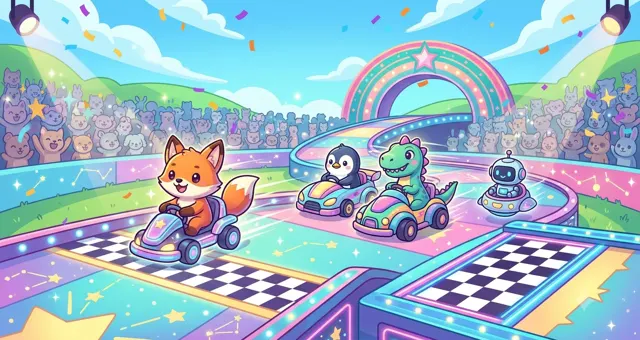 🏁
Race Timer
Your students race across the screen — the finish order is your turn order. Ninja, pirate, dinosaur and more themes.
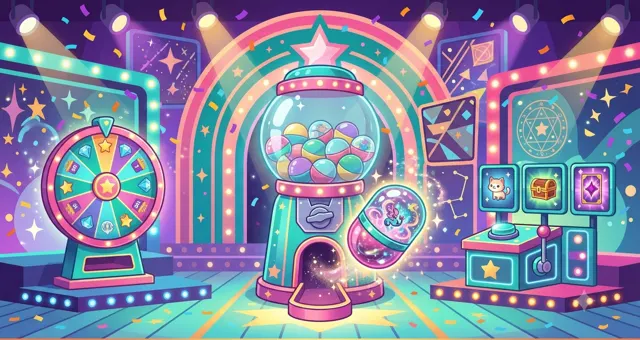 🎁
Gacha Machine Picker
Insert a coin, turn the dial, and a capsule pops out with a name. No repeats until everyone’s had a turn.
 ⏳
Countdown Timer
Rocket, balloon, ice cream or sand timer — with a cheering buddy and beat-the-timer mode.
 🎄
🎄 Seasonal Christmas Countdown
Days and school days left until Christmas on a snowy screen — a festive class countdown.
Pick a student
Fair cold-calling — nobody gets picked twice until everyone has had a turn.
All name pickers →
🎁
Gacha Machine
Insert a coin, turn the dial, and pop open a capsule — with rare and legendary surprise prizes.
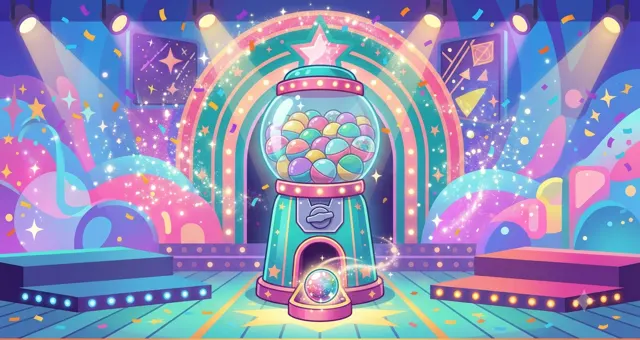 🍬
Gumball Machine
Turn the crank and a gumball rolls out with a student's name — a game-show twist on the name picker.
 🥤
Popsicle Stick Cup
A cup of named sticks — one rises out, wobbles, and reveals whose turn it is. The classic cold-call trick, digitized.
 🧧
Lucky Envelope
A board of sealed red envelopes. Students choose one, it opens, and a name slides out — still fair, no repeats.
 🫙
Sticker Jar
A sticker flies out of the jar and flips to show a name. Every pick goes on the class sticker chart.
 🌍
Spin the Globe
Spin the globe, drop a pin, pick a student — with an optional country for a quick ESL speaking prompt.
 🎯
Name Picker
Randomly cold-call a student from a simple list. No repeats until everyone's had a turn.
Games & teams
Split the class into teams and play a review game — no student devices needed.
All games & team tools →
🏆
Review Game
Auto-made teams, a fair pick of who answers, and three modes: team race, dice board game, or the classic ESL bomb board.
 👥
Group Maker
Split the class into random, balanced groups or teams — dealt out live on the projector.
 🎡
Team Wheel
Each student spins the wheel to find their team — dramatic, but always balanced.
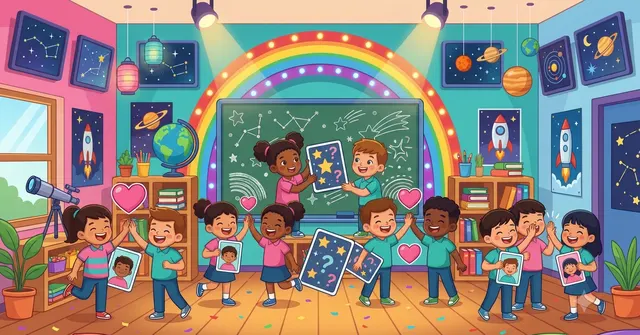 🤝
Mystery Partners
Flip two cards to reveal each pair. Handles odd numbers and avoids repeat partners.
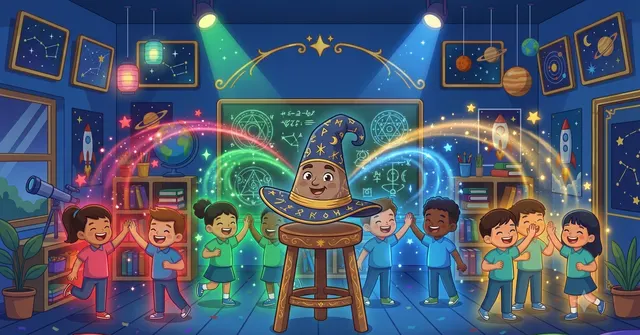 🎩
New Magic Team Sorter
A talking magic hat thinks it over with a drumroll, then shouts out each student’s team.
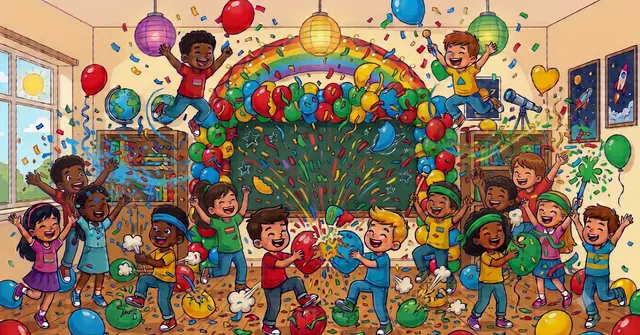 🎈
New Balloon Pop Teams
Every balloon hides a name — pop one and the student drops into their team’s basket.
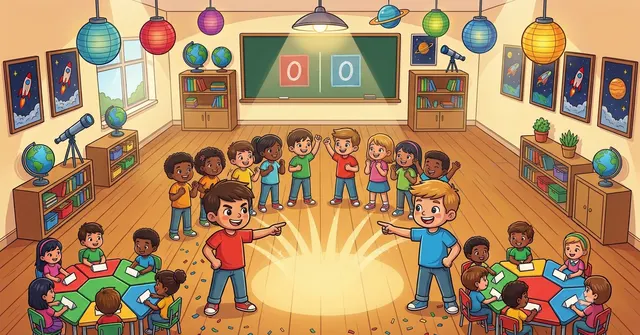 👑
New Captain’s Draft
Pick captains, then draft teams in snake order — with a surprise pick for shy captains.
 🪑
New Seating Chart Shuffle
Deal the class into a random seating plan. Keep chosen students apart, swap seats, print.
Race to decide the order
Type in your class and watch them race. The finish order is your turn order.
All races → 🎄
🎄 Seasonal Christmas Race
Santa, an elf, a reindeer, a snowman, a gingerbread cookie, a candy cane and a penguin race through a snowy village.
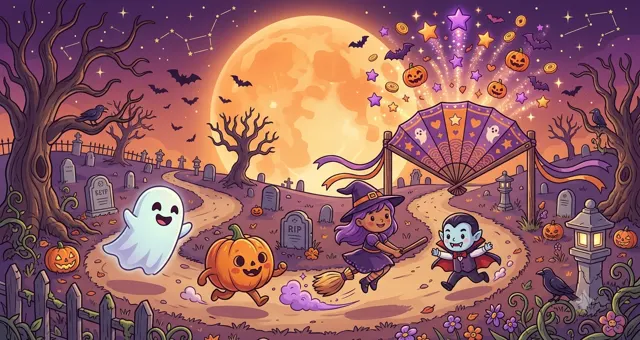 🎃
🎃 Seasonal Halloween Race
A pumpkin, a friendly ghost, a witch, a black cat and a mummy race through a moonlit pumpkin patch. Cute, not scary.
🏁
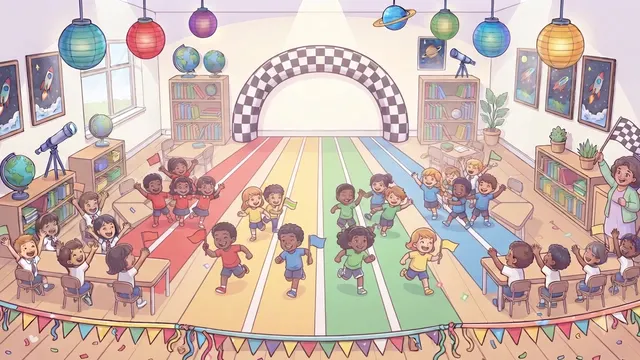
Race Timer
Randomly decide student order for presentations, reading turns, or line-up — as a fun animated race.
 🚩
Team Race
Click-to-advance race for team competitions and classroom quiz games.
🔤
Word Race
Enter vocabulary words instead of names — a random race decides your review order.
 🥷
Ninja Race
Ninja-themed random order picker — fast, silent, and fun for classroom energy breaks.
 🏯
Samurai Race
Armored samurai, an apprentice and an old master race through a cherry blossom dojo to decide who goes first.
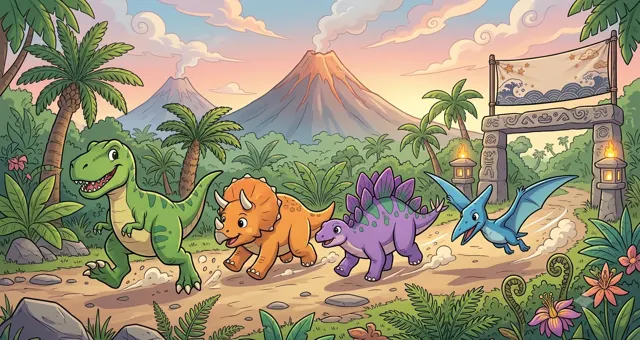 🦖
Dinosaur Race
Dino-themed random order picker — great for a change of pace during a unit on animals.
 🍣
Sushi & Dumpling Race
A tasty twist on the random order picker — great for a change of pace.
 🏴☠️
Pirate Race
A crew of distinct pirate characters race to decide who goes first — great for an ocean or adventure unit.
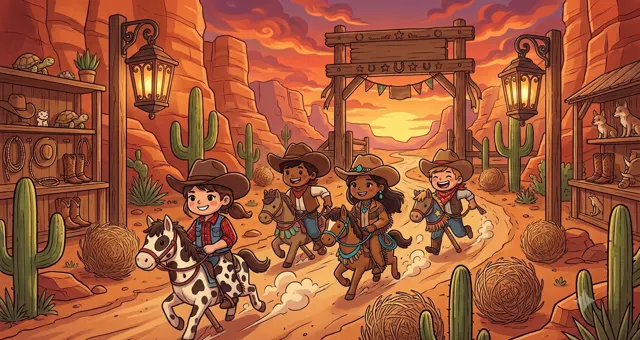 🤠
Cowboy Race
A posse of distinct cowboy and cowgirl characters race to decide who goes first — great for a Wild West unit.
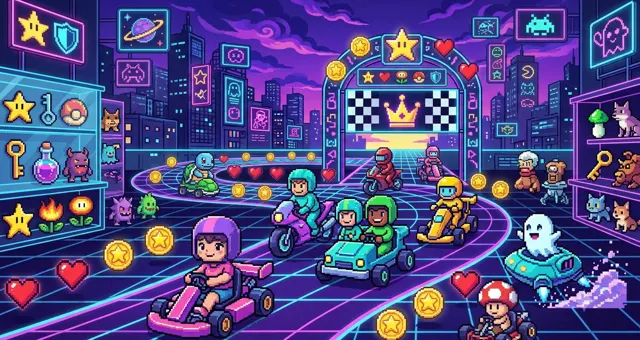 👾
Pixel Race
A retro cast of 8-bit heroes races to decide who goes first — pairs perfectly with the chiptune race music.
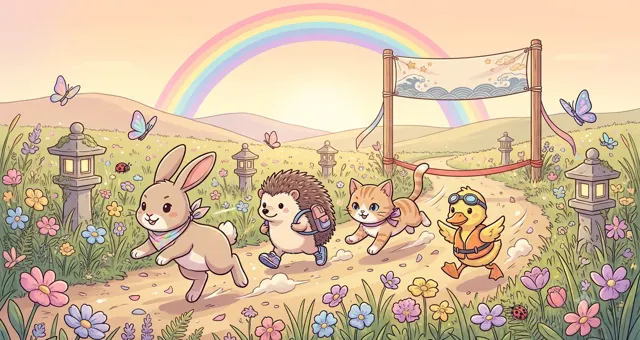 🐰
Cute Critters Race
A pack of adorable animal characters races across a meadow — great for younger classes.
Timers & classroom screen
Keep time, keep the noise down, and show what’s expected — all readable from the back of the room.
 🖥️
New Classroom Screen
Clock, timer, name picker, noise meter, work mode and instructions — together on one projector screen.
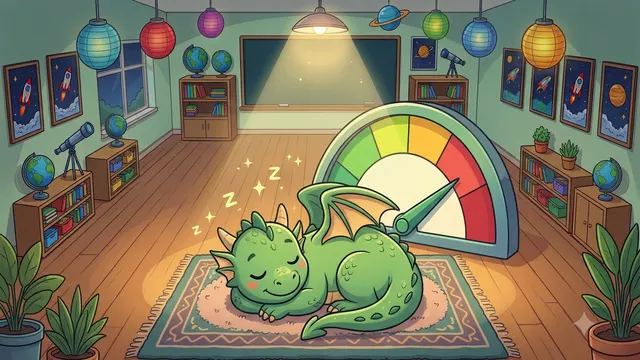 🔊
New Noise Meter
A classroom noise monitor: bouncing balls, a volume gauge, or a sleeping dragon that wakes up when the class gets too loud.
 🤫
New Quiet Timer
A countdown that only runs while the room is quiet — it pauses or restarts when the class gets too loud.
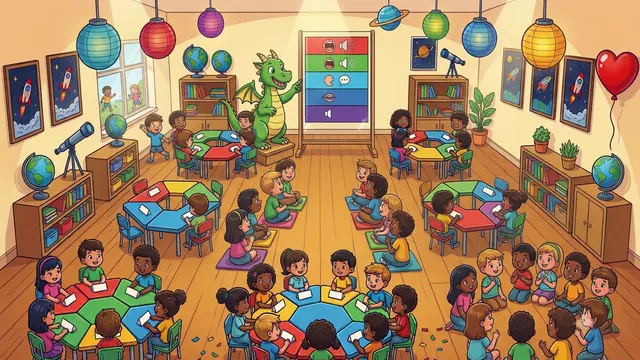 📊
New Voice Level Chart
Five classroom voice levels from silent to outside voice — show it on the projector or print it for your wall.
⏳
Countdown Timer
Rocket, balloon, ice cream or sand timer themes, a cheering buddy, and beat-the-timer mode.
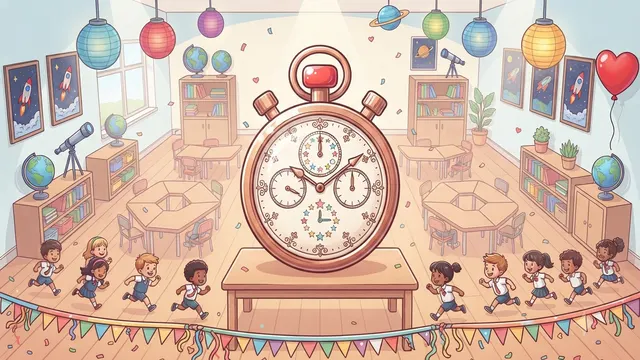 ⏱️
Stopwatch
Running track, garden or space themes, laps, and a class-record challenge for clean-up time.
Why teachers use ClassCarnival
Every tool here is built for a shared classroom screen: big text, fullscreen mode, and nothing to install or sign up for. Paste in your class list once and you can run a race, a name picker, or a timer in seconds.
The name pickers and races are designed around fairness. Instead of pulling a random name every time — which means some students get picked again and again — each tool works through the whole class before anyone repeats. That makes cold-calling feel like a game rather than a gotcha, which matters most for younger learners and students speaking in a second language.
Pick the style that suits your class: a quick list picker when you just need a name, a gumball machine or popsicle stick cup when you want a bit of suspense, or a themed race when you need to decide presentation order and want the whole room watching.